Setting or changing your security questions
As an additional level of security, you must set three security questions and answers.
These questions and answers are used to verify that you are the legitimate owner of the account. If you ever forget your password, you will have to provide the correct answers to your security questions before you can reset your password and recover access to your account.
To set or change your security questions
- On the toolbar, click your user name, and then select .
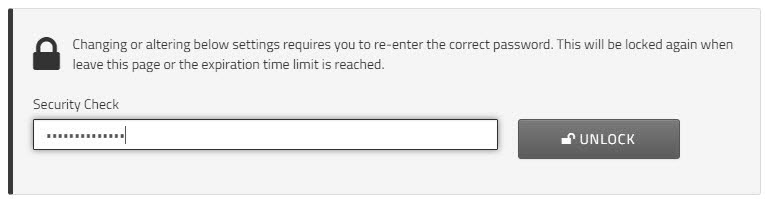
- To edit your security questions, enter your current password to unlock the security settings. Click .
Note: After three incorrect password attempts, your account will be locked. Contact Support to restore access. - In the field, enter your current password, and click .
- For each of question, enter an answer in the corresponding field. To select a different question, click the Question field and choose a question from the dropdown menu.
- Click to save your changes.